Practical guide
Redesign your website. Keep the booking system that works.
A better salon website does not automatically require a new appointment platform. Start with the booking experience your staff and customers already know.
Separate the website from the appointment workflow.
Your website helps a customer decide whether the salon is right for them. The booking platform handles the appointment. A redesign can improve the first part while keeping the platform that already manages the second.
For Gentlemen Barbier, the website work connected the salon’s identity, haircuts, beard care and children’s cuts with the booking experience. Visitors can explore the salon and continue to booking from the same site. This is a useful starting point for a redesign brief: improve the customer’s path without assuming every tool needs replacing.
Choose how the two experiences connect.
A direct booking link is the simplest option to review. Customers choose to book, then continue on the provider’s page. Check that the destination is the correct salon and that the action is easy to understand on mobile.
An embed can keep the booking interface within a page if the provider offers one. Test its loading, keyboard navigation, available space and language options. Always keep a working direct link available if the embedded interface fails to load.
A custom integration is a larger project. Consider it only after identifying a specific need that the existing link or supported embed cannot meet. Confirm the provider’s integration capabilities and ongoing costs before making it part of the estimate.
Answer the questions that come before booking.
Make the services, prices where appropriate, location, opening hours and contact details easy to find. Use real photos of the salon and its work. A customer should understand where they are going and which service they are choosing before entering the appointment flow.
Keep the website and booking platform consistent. If one says a service takes a different amount of time or shows a different price, the customer has to resolve the mismatch. Decide who updates each system and include both in the review whenever the service offering changes.
- Service names match the booking choices
- Prices and duration information agree where displayed
- Location and contact information are correct
- English and French paths reach the intended destination
- Every booking button works on a phone
Check the complete journey before launch.
Test from a service page through to the booking destination on mobile and desktop. Check whether the provider opens in the same tab, how a visitor returns to the website and what happens if the embed is unavailable. Complete a test appointment only with the salon’s approval and a clear cancellation plan.
Keeping the same booking platform should not require moving existing appointments. If changing providers becomes necessary, treat customer records, future bookings and staff availability as a separate migration project. Confirm the export and import options with the providers first.
Measure interest and confirmed appointments separately.
A click on a booking button shows intent. It does not prove that an appointment was completed. Review website visits and booking clicks alongside the appointment information available from the provider.
If the provider supports a reliable confirmation signal, evaluate it as part of the measurement setup. Otherwise, label clicks as clicks and use the salon’s booking records to assess completed appointments. This keeps the report useful when deciding what to improve next.
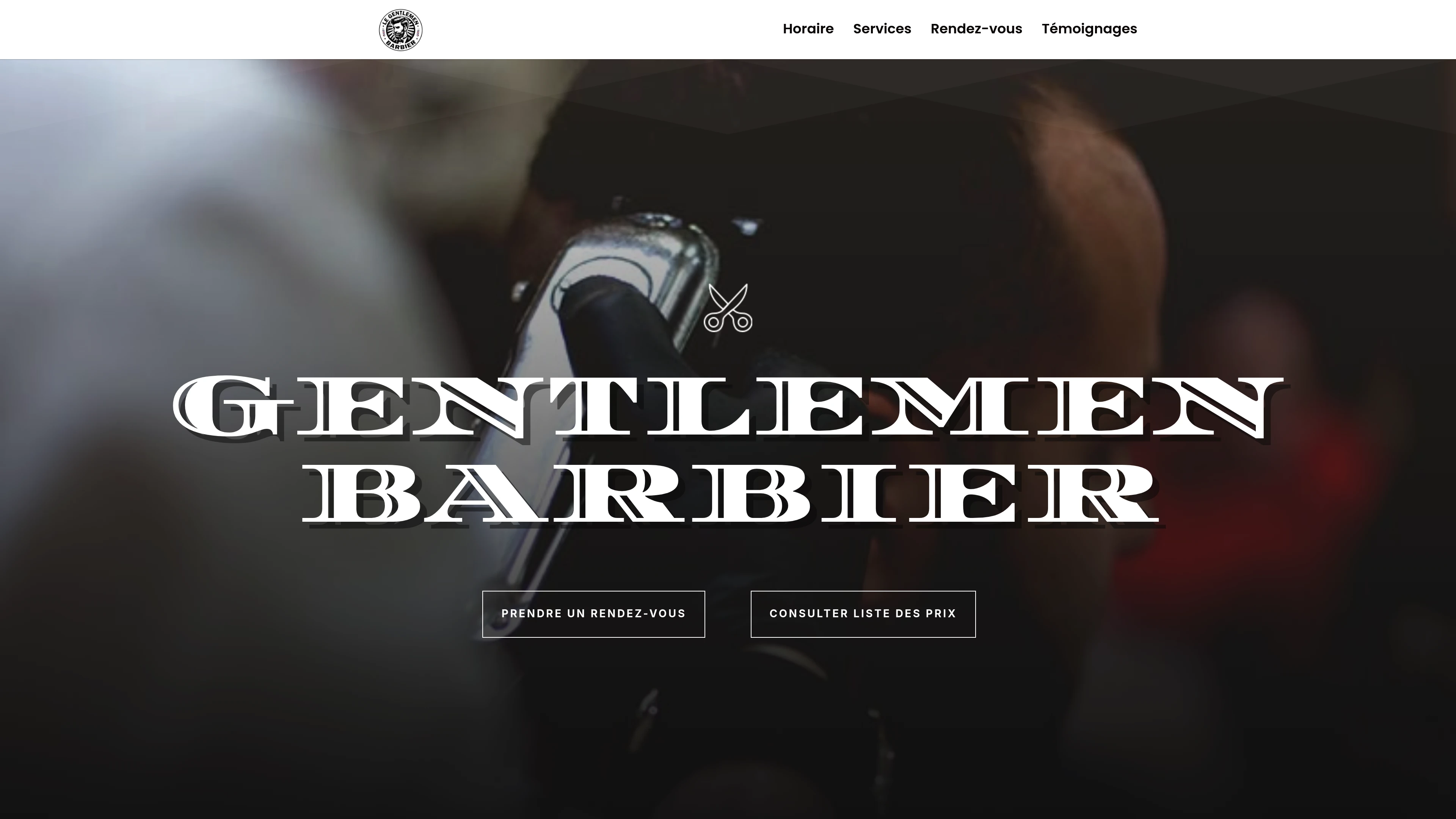
We rebuilt the Repentigny salon’s brand website and connected its booking experience. The site brings services, prices, the gallery, client feedback and appointment links together.
View the projectContinue planning.

What do you have in mind?
A free 15-minute call to talk through your project and find the next step.
Book a free call